A Functional System Isn't Necessarily a Secure One

Deploying a server, launching a cloud instance, or spinning up an app often ends with the same satisfying moment: the dashboard turns green, system metrics settle into normal ranges, and user requests are processed seamlessly. It works, so you move on to the next task.
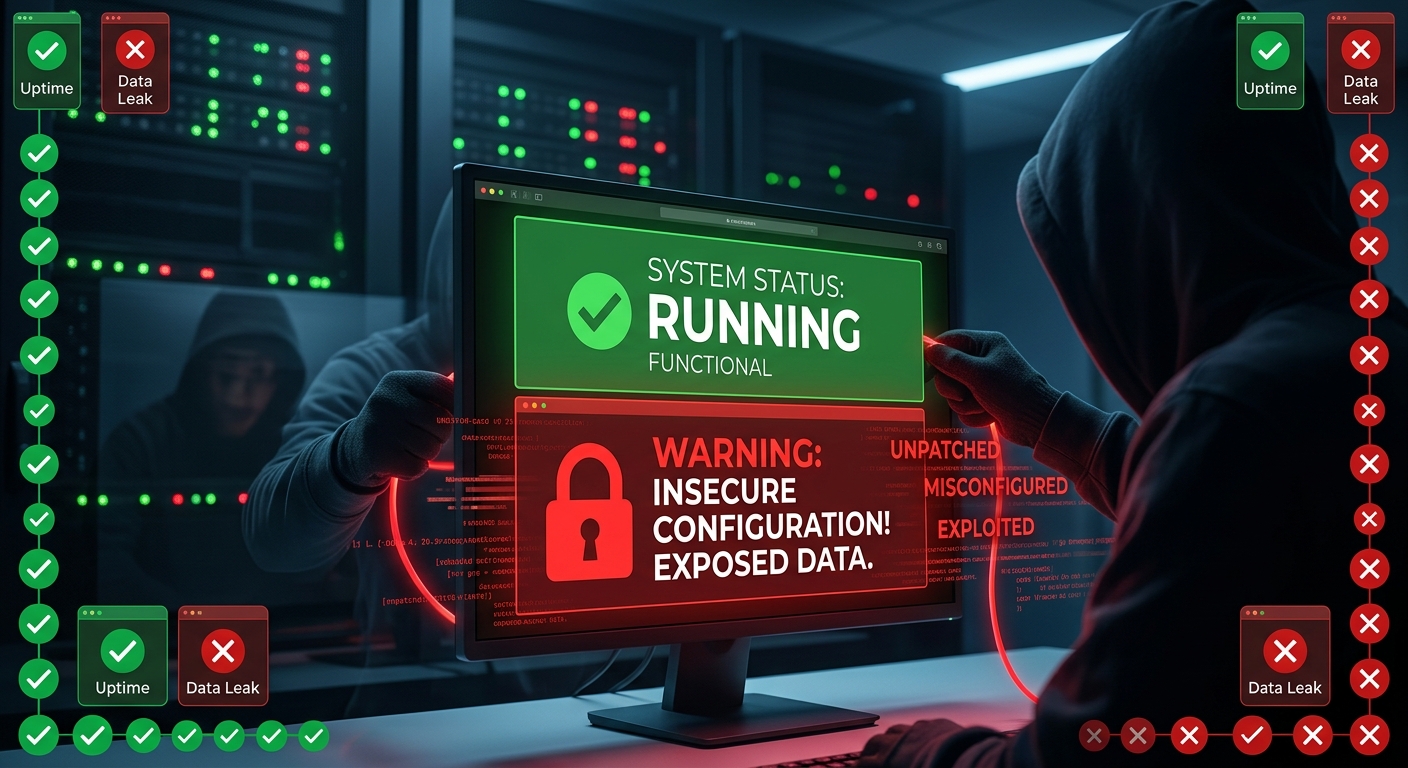
However, operational status does not equal security. Some of the most significant cyber breaches in recent history occurred on systems that were running perfectly fine right up until they were compromised.
Defining "Running" vs. "Secure"
To understand the gap, it helps to distinguish between the two terms:
- Running: The system is operational. It responds to requests, processes data, and performs its basic functional duties.
- Secure: The system is protected. Access controls are configured correctly, patches are applied, log monitoring is active, and defense measures keep unauthorized users out.
An operational system can easily be an insecure one. Think of it like a house: fully built, furnished, and functional, but with the front door left wide open.
The Cloud Misconception
Cloud platforms like AWS, GCP, and Azure have streamlined infrastructure management. With just a few commands or clicks, environments can be provisioned instantly, creating the illusion that security is automatically handled.
However, cloud providers operate under the Shared Responsibility Model:
- Security OF the Cloud: Managed by the provider (physical infrastructure, network isolation, hardware maintenance).
- Security IN the Cloud: Managed by you (data, access policies, configurations, software security, and app logic).
A functional cloud bucket or virtual machine simply proves that infrastructure is active—it says nothing about whether access permissions or data safeguards are configured correctly.
Silent Failures: When Systems Work, but Fail
Security breakdowns don't always trigger crashes, performance drops, or downtime. In many cases, attackers operate quietly inside fully functional environments for extended periods.
Real-world cases demonstrate how active systems can remain vulnerable:
- Capital One (2019): A misconfigured Web Application Firewall (WAF) running on AWS led to the exposure of over 100 million customer records. The app was operational, but its configuration allowed unauthorized data retrieval from S3 storage.
- Microsoft Power Apps (2021): Default access settings on active Power Apps portals exposed 38 million records. The portals continued to function properly while sensitive data remained accessible to unauthorized parties.
- Twitch (2021): Internal tools and source code were exfiltrated during an incident where the platform remained fully operational for users throughout the attack.
Takeaway: Systems don't need to break down to be exploited; they just need to be misconfigured.
Core Characteristics of a Secure System
Moving beyond basic uptime requires structured security practices:
- Defense in Depth: Implement layered security controls—such as network segmentation, firewalls, and application encryption—so that if one layer fails, others remain.
- Principle of Least Privilege: Restrict user accounts and service roles to only the permissions required for their specific functions.
- Continuous Monitoring: Implement central log collection and active threat alerts (using tools like SIEMs or native cloud logging) to detect anomalies in real time.
- Regular Patching Routine: Automate updates and establish workflows to address critical vulnerabilities promptly.
- Infrastructure as Code (IaC) Scanning: Use static code analysis tools (such as Checkov, tfsec, or Trivy) to identify configuration flaws before provisioning resources.
Verifying Your Security Posture
To ensure a system is properly guarded—not just active—consider these proactive steps:
- Conduct Regular Audits: Evaluate setups against established frameworks like CIS Benchmarks.
- Perform Penetration Testing: Identify perimeter weaknesses through simulated attacks.
- Analyze Log Data: Consistently review audit trails and access patterns for suspicious behavior.
- Audit IAM Permissions: Periodically review user roles, key rotation schedules, and access lists.
- Automate Vulnerability Scans: Scan application dependencies and container images regularly.
Final Thoughts
Uptime is an operational metric, not a security assessment. A green dashboard indicates that a system is processing requests—not that it is protected against unauthorized access.
Attackers often target fully operational, active systems that lack adequate access controls, patch management, or log monitoring. Next time you deploy an application, look beyond its performance status and evaluate its security posture.
Reactions
Share this post
0 replies
Sign in with your Maxlayer account to join the conversation.