Mastering Kargo: Bridging the Gap Between Docker Build and Production

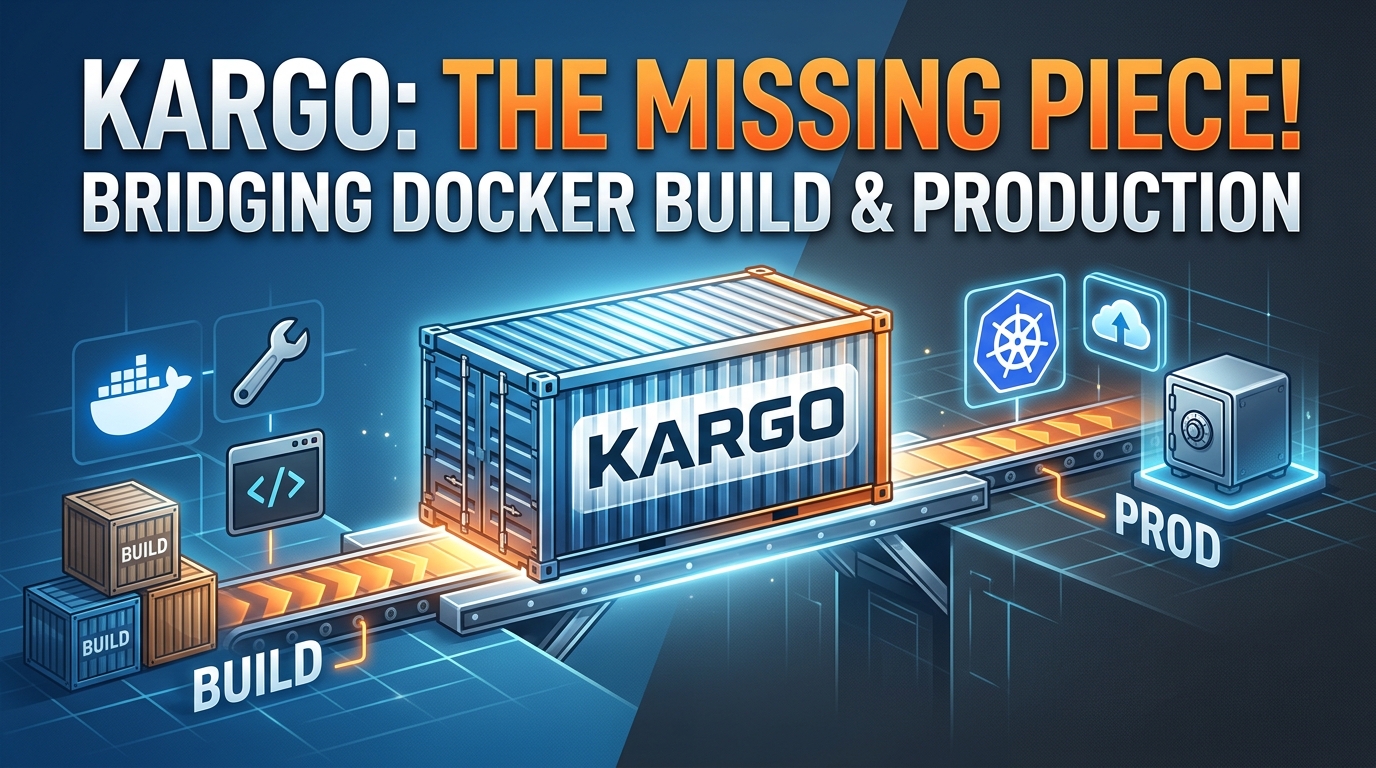 If you work in Kubernetes GitOps, you have likely encountered tools like Argo CD, Argo CD Image Updater, Argo Rollouts, Kargo, Istio, and Gateway API.
When faced with this ecosystem, a common question arises: "Aren't all of these tools just deploying applications?"
The short answer is no. They each solve a distinct problem in the software delivery lifecycle:
💡 Key Distinction: Argo CD deploys. Kargo promotes. Argo Rollouts progressively releases.
Tool Breakdown: Who Does What?
| Tool | The Problem It Solves |
|---|---|
| Argo CD | Syncs Git declarations to Kubernetes clusters ("What should the cluster look like?"). |
| Argo CD Image Updater | Updates Git manifests automatically when new images land in a registry. |
| Kargo | Manages application lifecycle and environment promotions ("Which artifact goes to which stage?"). |
| Argo Rollouts | Manages progressive deployment strategies like Canary and Blue-Green. |
| Istio | Controls physical traffic routing between pods/services in a service mesh. |
| Gateway API | Standardizes traffic routing intent across Kubernetes networks. |
The Delivery Pipeline Flow
Container Registry
       │
       ▼
     Kargo          <-- Manages environment promotion state
       │
  (Updates Git)
       │
       ▼
    Argo CD         <-- Syncs Git state to Kubernetes
       │
       ▼
   Kubernetes
       │
       ▼
  Argo Rollouts     <-- Handles Canary / Blue-Green rollout
       │
       ▼
  Istio / Gateway   <-- Reroutes live traffic step-by-step
1. The Core Problem: Building vs. Releasing
When a CI pipeline builds payment-service:v1.9.0 and pushes it to Amazon ECR, that image isn't meant to go straight to production.
A standard enterprise delivery path usually looks like this:
$$\text{Build v1.9.0} \longrightarrow \text{DEV} \longrightarrow \text{Integration Tests} \longrightarrow \text{STAGING} \longrightarrow \text{Approval} \longrightarrow \text{PROD}$$
Deploying an application is a single step; continuous promotion is managing the safe, traceable transition of an exact artifact across multiple environments. Kargo is designed specifically as a continuous promotion platform that extends GitOps beyond single-cluster deployments.
2. Argo CD vs. Kargo: The Mental Model
- Argo CD acts as the Installer. It reads Git manifests and enforces that state on a cluster. It doesn't inherently understand business logic like: "Only promote to STAGING if UAT integration tests passed."
- Kargo acts as the Logistics Manager. It monitors new builds, creates version-controlled releases ("Freight"), updates Git configuration files per environment ("Stages"), and triggers Argo CD deployments.
       ┌──────────┐
       │ Registry │
       └────┬─────┘
            │ New Image
            ▼
       ┌──────────┐
       │  Kargo   │ ──(Updates manifest)──► Git Repository
       └──────────┘                             │
            ▲                                   │ Triggers
            │ Verifies health                   ▼
       ┌──────────┐                        ┌──────────┐
       │ Cluster  │◄──────(Syncs)──────────│ Argo CD  │
       └──────────┘                        └──────────┘
3. Core Kargo Concepts
To configure Kargo effectively, you need to understand four primary abstractions:
1. Warehouse & Freight
- Warehouse: A watcher configured to listen to upstream artifact sources (OCI registries, Git repos, Helm charts).
- Freight: Immutable release packages created by a Warehouse when changes are detected. A single Freight artifact can contain a specific Docker tag, Git commit hash, and Helm chart version.
2. Stage
An environment boundary (e.g., dev, staging, prod). A Stage defines:
- Which Freight it is willing to accept (
requestedFreight). - Which rules or approvals are required before moving to the next Stage.
3. Promotion & PromotionTemplate
- Promotion: The actual event of moving a Freight into a Stage.
- PromotionTemplate: The workflow steps Kargo executes during promotion (e.g., committing updated image tags to a Git repo via GitOps, calling Argo CD to sync).
4. Verification
Automated checks Kargo executes post-promotion to determine if a release is healthy in that environment (e.g., running integration test suites or checking monitoring metrics).
4. Comparing Tooling Approaches
Kargo Verification vs. Argo Rollouts
| Feature | Kargo Verification | Argo Rollouts |
|---|---|---|
| Scope | Multi-environment promotion safety. | Single-cluster pod deployment traffic management. |
| Execution | Runs end-to-end integration tests on a Stage. | Runs health/metric checks during pod batch rollouts. |
| Decision | Decides if Freight is approved for downstream promotion. | Decides if a deployment should pause, progress, or rollback. |
Kargo vs. Argo CD Image Updater
- Image Updater simply detects a new image tag in a container registry and writes it directly to Git. It lacks concept awareness of multi-stage pipelines (
DEV -> STAGING -> PROD), manual approvals, or cross-environment dependencies. - Kargo manages declarative environments, dependencies, automated/manual promotion gates, and verification pipelines across your entire deployment workflow.
5. What Kargo Does NOT Do
To keep your pipeline architecture clean, remember that Kargo is not:
- A CI System: It does not run unit tests, compile code, or build Docker images (use GitHub Actions, GitLab CI, etc.).
- A Kubernetes Deployment Engine: It delegates manifest syncing to GitOps engines like Argo CD or Flux.
- A Service Mesh or Traffic Proxy: It does not route network traffic (use Istio, Linkerd, or Gateway API).
- A Replacement for Argo Rollouts: It works alongside Rollouts to handle environment transitions, while Rollouts manages pod-level traffic switching.
6. The Complete Logistics Analogy
To easily explain the entire ecosystem to your team, use this real-world logistics model:
- CI (GitHub Actions / GitLab CI): The Factory — Builds the product.
- Container Registry: The Warehouse Storage — Stores the built goods.
- Kargo Warehouse: The Intake Inspector — Detects newly manufactured items and bundles them into shipping packages (Freight).
- Kargo: The Logistics Manager — Coordinates which packages get delivered to which stores (Stages) and enforces quality control checks (Verification).
- Git: The Supply Ledger — Holds the source of truth for what each store is supposed to stock.
- Argo CD: The Store Clerk — Unpacks goods from the shipment ledger and displays them on the shelves (Kubernetes Clusters).
- Argo Rollouts: The Store Floor Manager — Gradually replaces old inventory on display with new inventory without disrupting active shoppers.
- Istio / Gateway API: The Traffic Controller — Directs customer traffic inside the store to the right display aisles.
When Should You Use Kargo?
- Adopt Kargo if: You manage complex multi-environment promotion pipelines (
Dev$\rightarrow$Staging$\rightarrow$UAT$\rightarrow$Prod), require strict verification and compliance gates before promoting images, or need visual lineage tracking of what versions are live across environments. - Skip Kargo if: You operate a simple single-environment setup or directly deploy every passing CI build straight to production without multi-stage gates.
Reactions
Share this post
0 replies
Sign in with your Maxlayer account to join the conversation.